Android + Windows
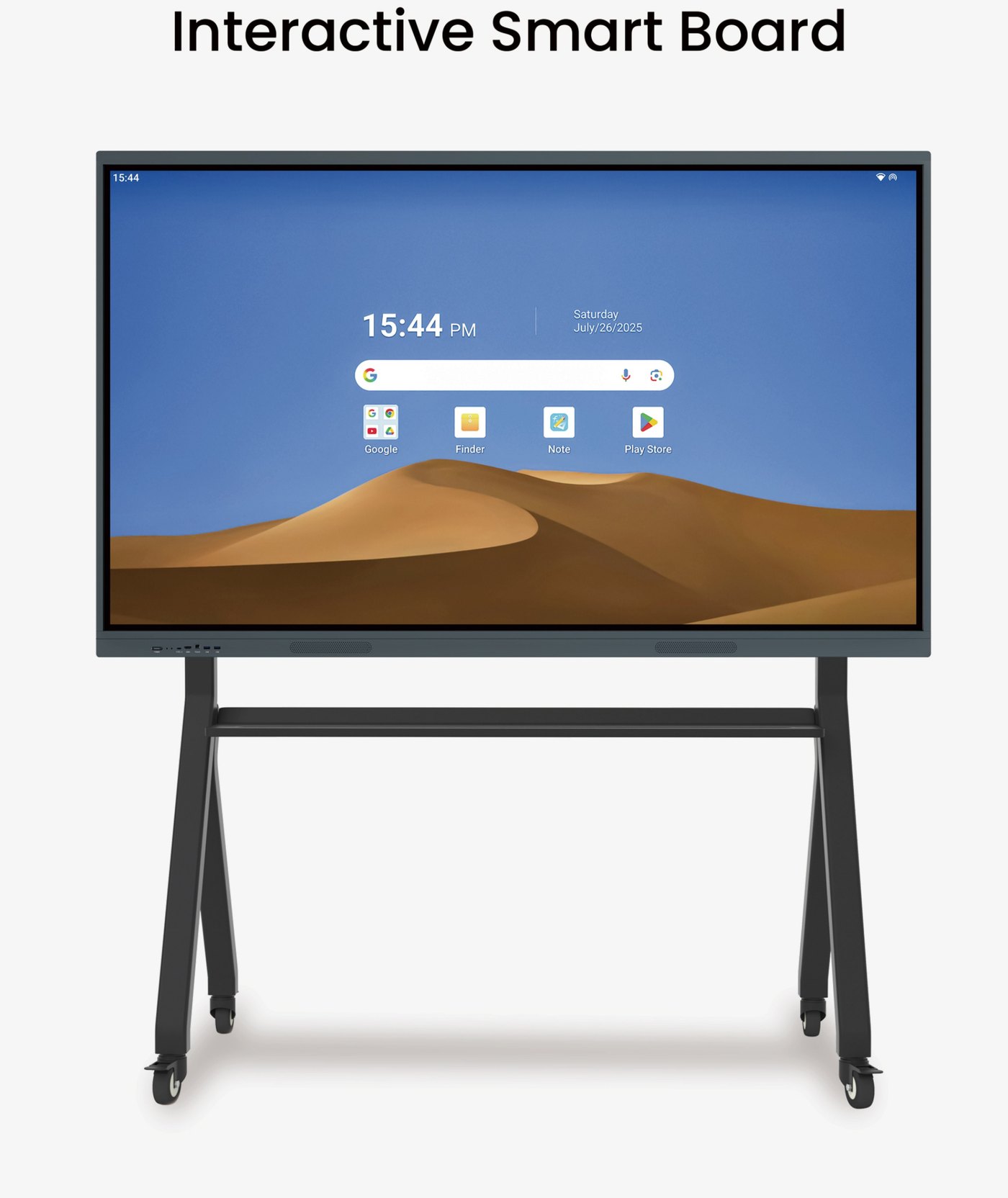
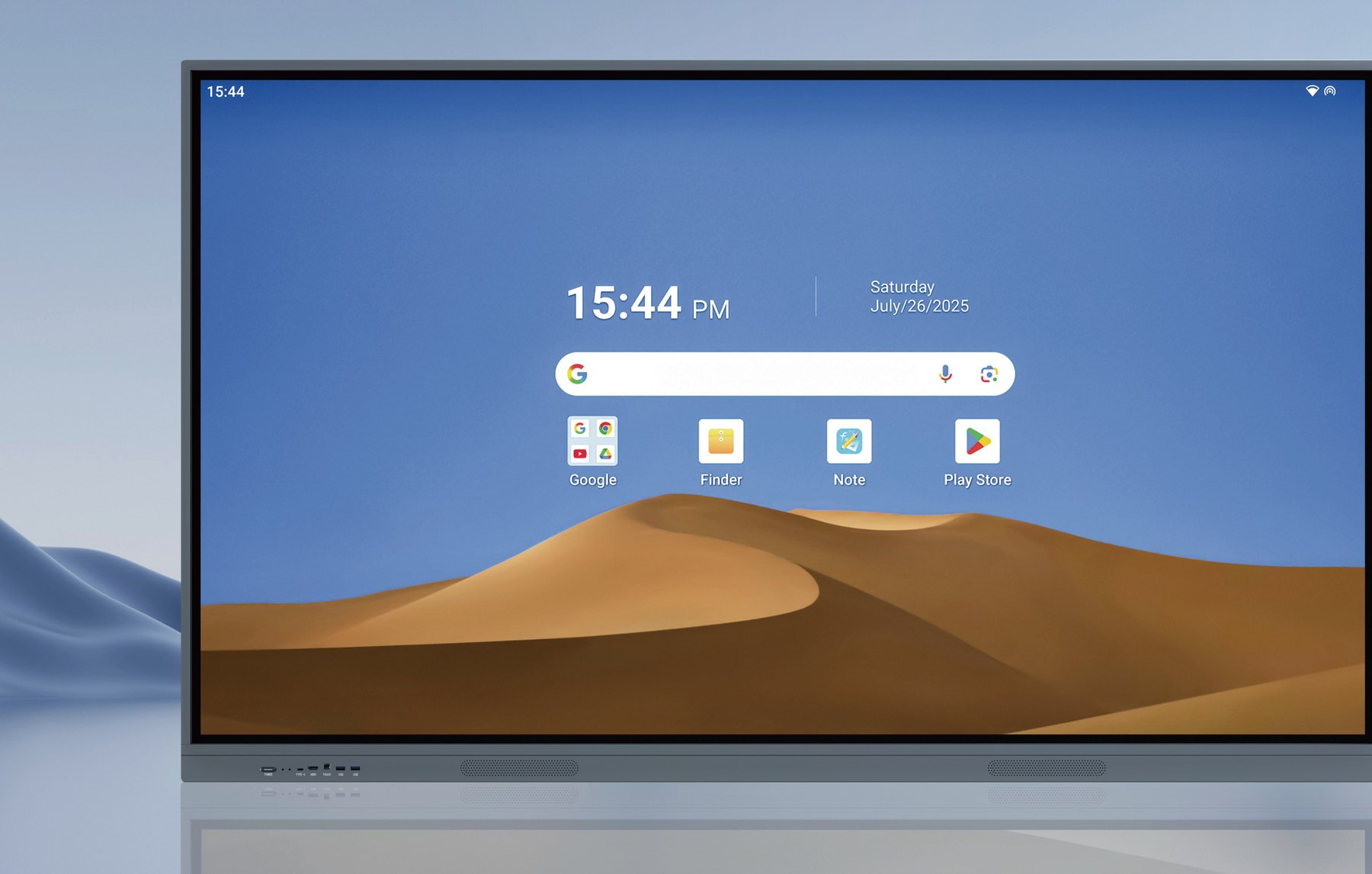
Android 14/15 is built in. Add an Intel Core i5/i7 OPS module for Windows 10/11. Switch from the quick menu.
Visual Xperience
A 4K Ultra HD touch display for teaching, meetings, and collaboration. Write with a finger or stylus, share from any device, run Android and Windows on one machine.
4K
Ultra HD 3840×2160
20
Simultaneous touch points
178°
Wide viewing angle
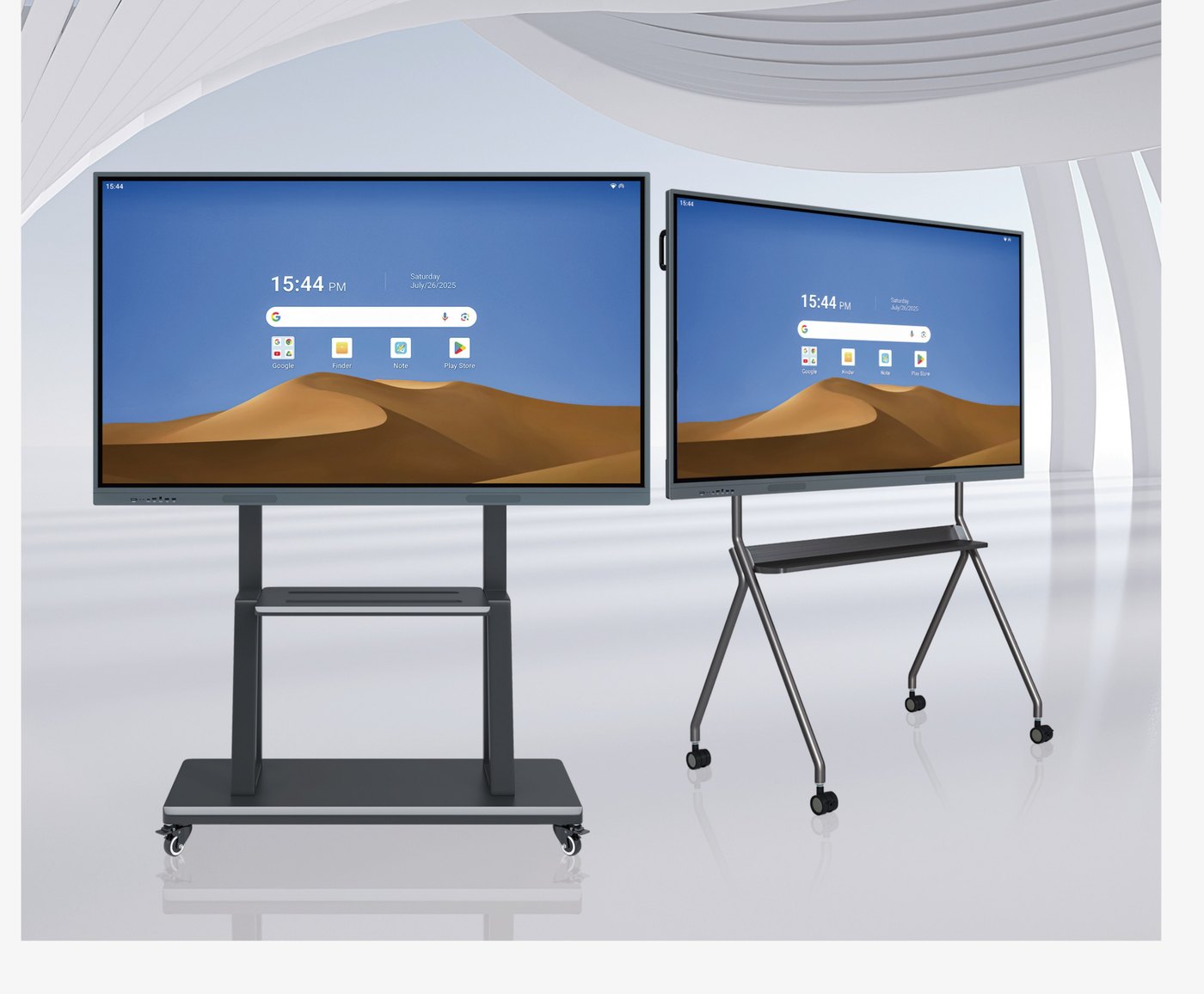
55–110"
Six screen sizes
Overview
BITECH Board is an interactive smart display that combines a 4K LED panel, collaboration software, and a dual-OS system. Built for classrooms, meeting rooms, and training centers — without a complex install.
Touch
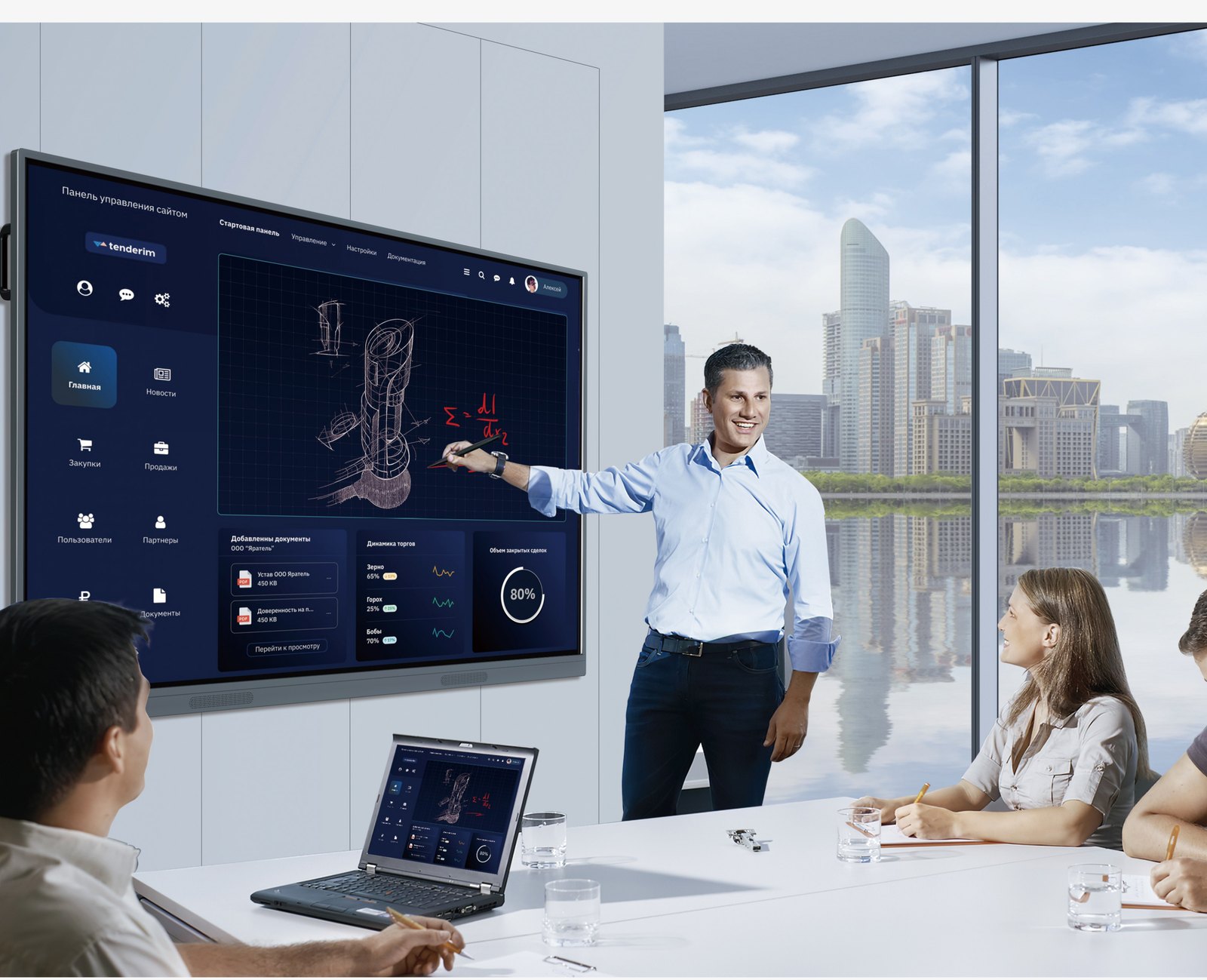
±1 mm accuracy, 20 simultaneous touch points, and a smooth handwriting algorithm. The back of your hand erases like a chalkboard eraser.
Fluid writing
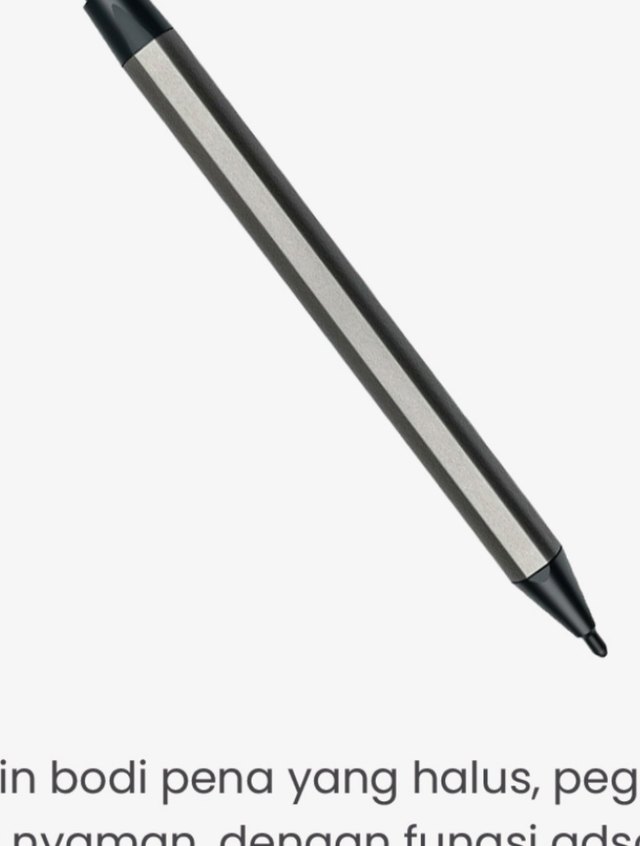
Two pen thicknesses, free color, and a nib that feels like paper.
Palm erase
Wipe with the back of your hand — content disappears instantly, no extra button.
Wireless
Bluetooth to speakers and printers. Drop in tables, charts, images, and video.
System
Android 14/15 is built in. Add an Intel Core i5/i7 OPS module for Windows 10/11. Switch from the quick menu.
Tempered glass bonds without a gap-leaving adhesive. Less glare, no grey bleed.
Hidden panels on the left and right: switch sources, annotate, adjust — without leaving the app.
Collaboration
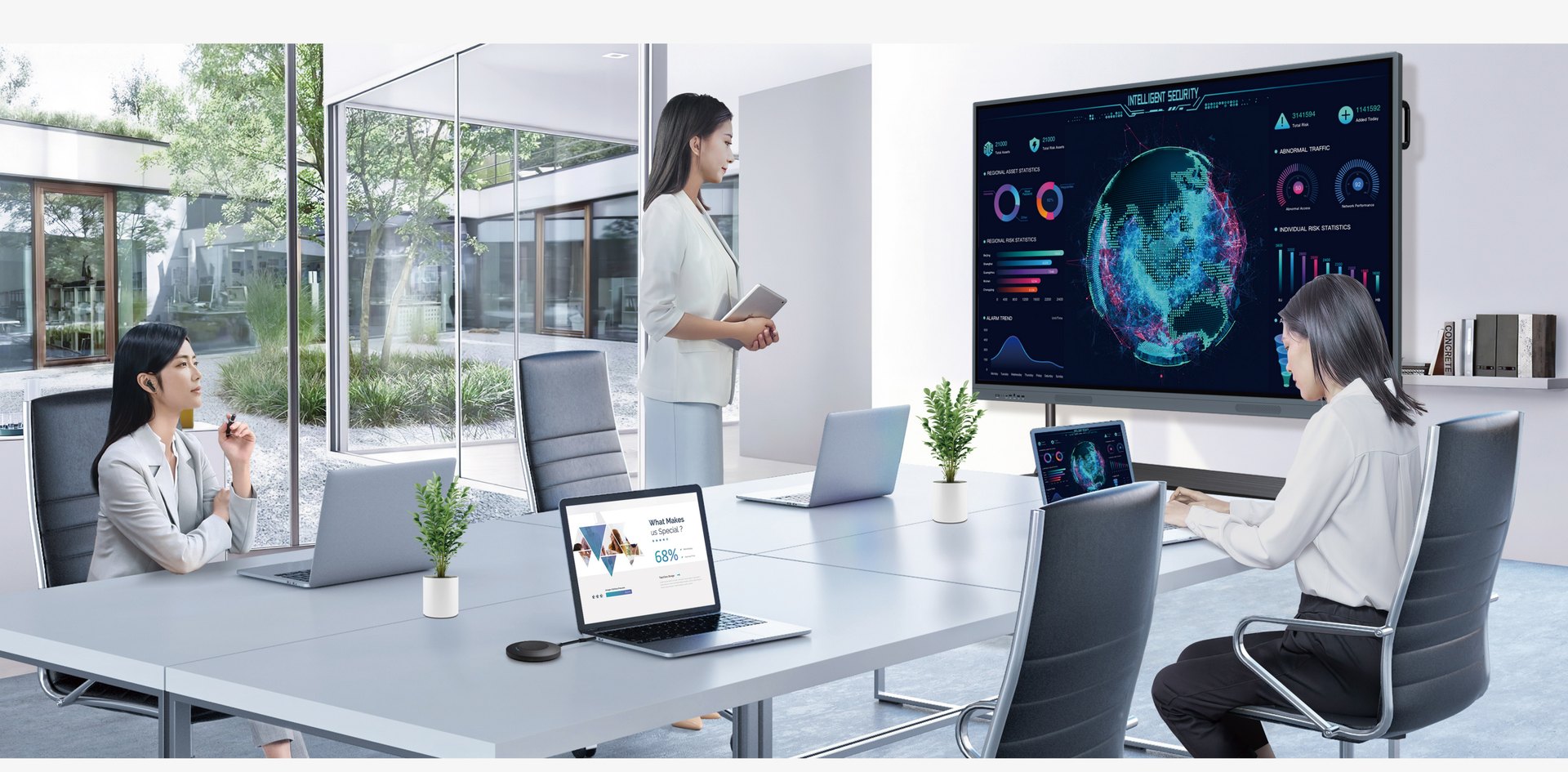
Project from a phone, tablet, or laptop. One screen can split into four, with file transfer over a QR code.
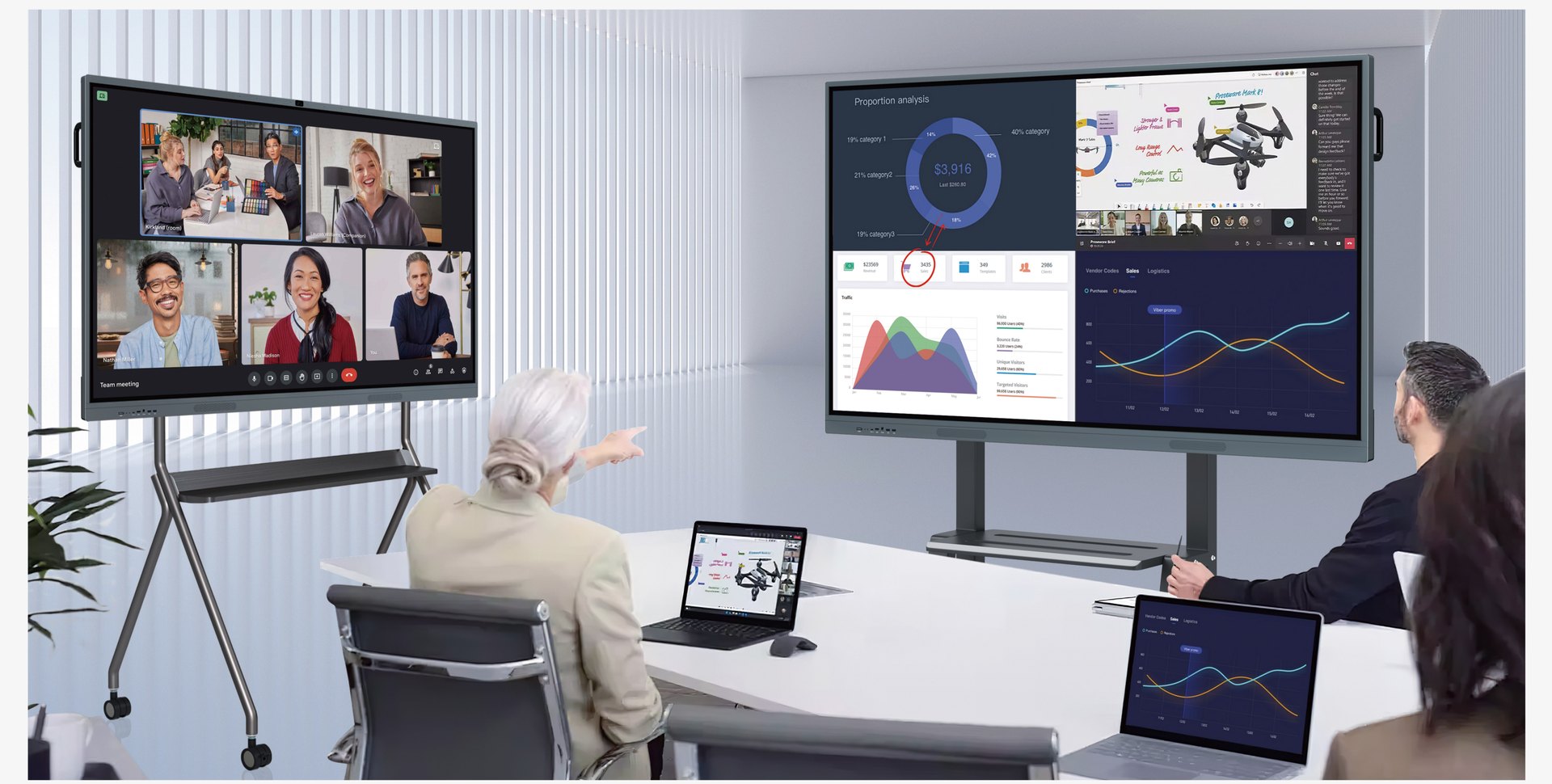
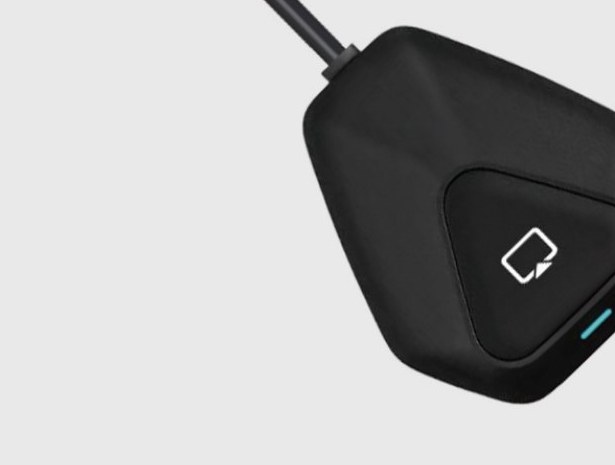
Connect phones, tablets, and laptops without an HDMI cable.
One panel, four sources. Several people collaborating at once.
Write over any interface — meetings, video, or documents.
Spaces
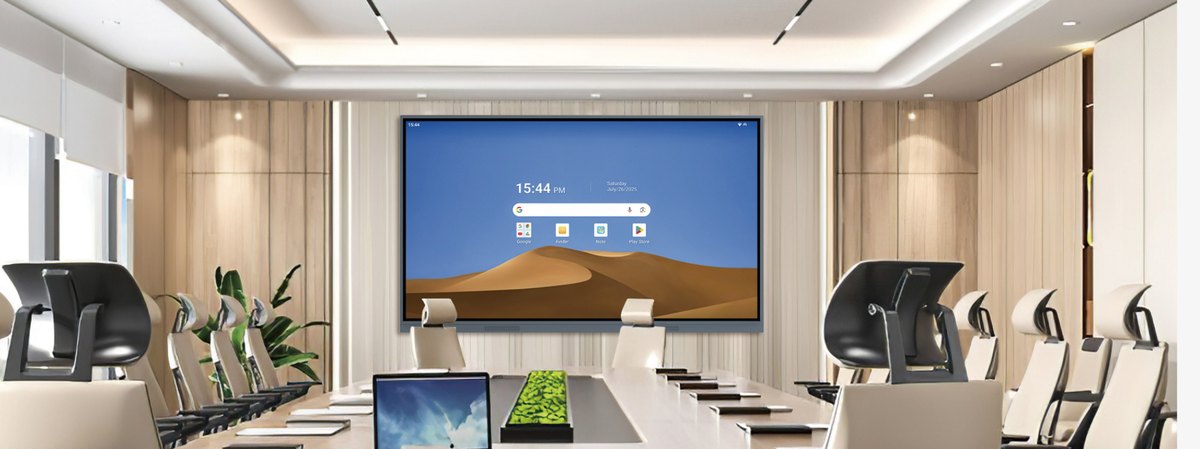
Replace the projector, whiteboard, and soundbar with one all-in-one device.
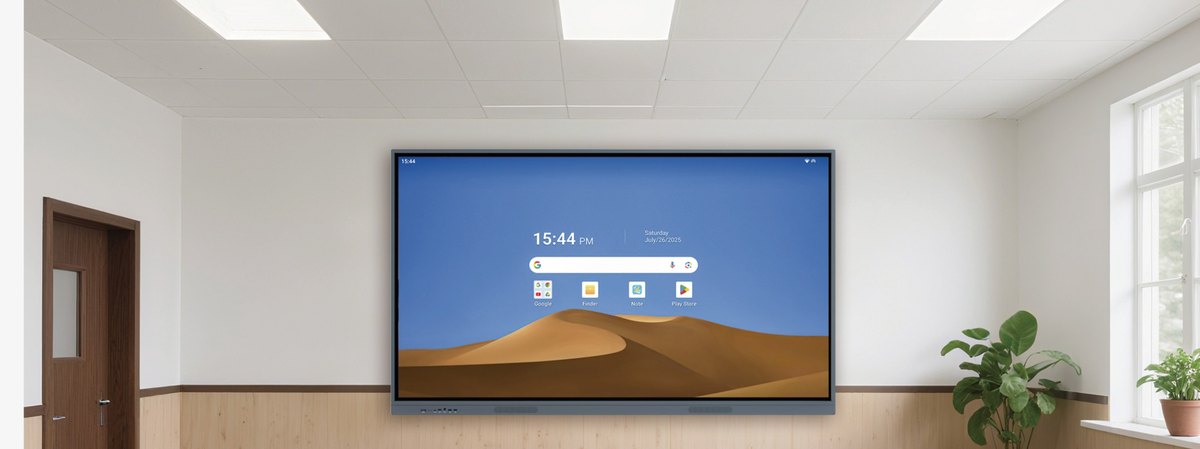
Write, annotate, and share materials to student devices — no cables.
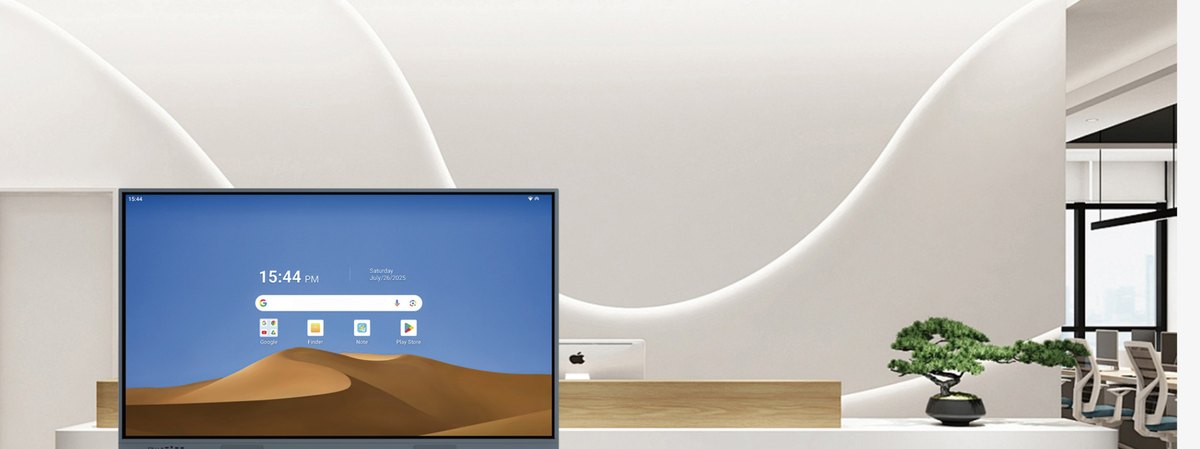
An editable welcome interface, plus a 4K content player.
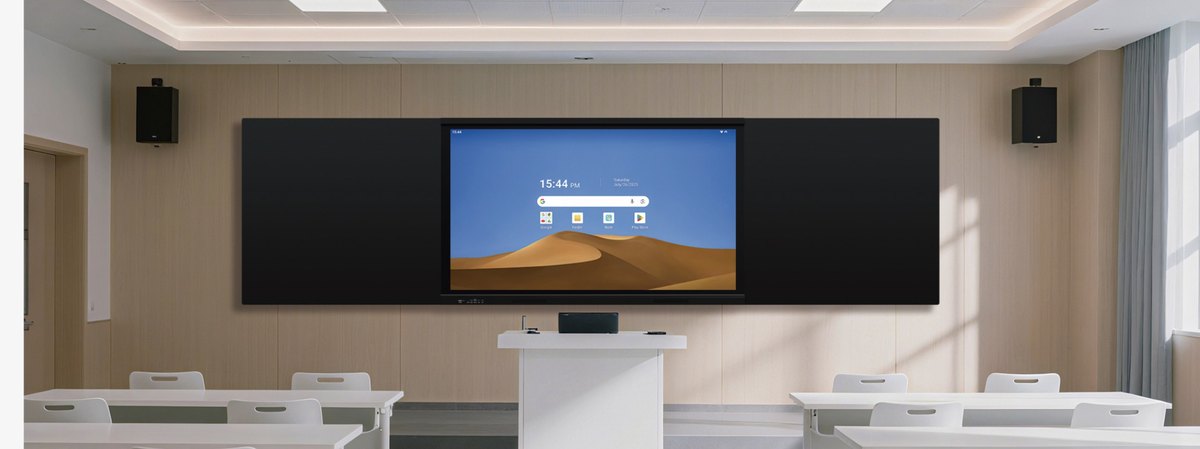
Displays up to 110 inches, 178° viewing angle, and integrated audio.
Artificial intelligence
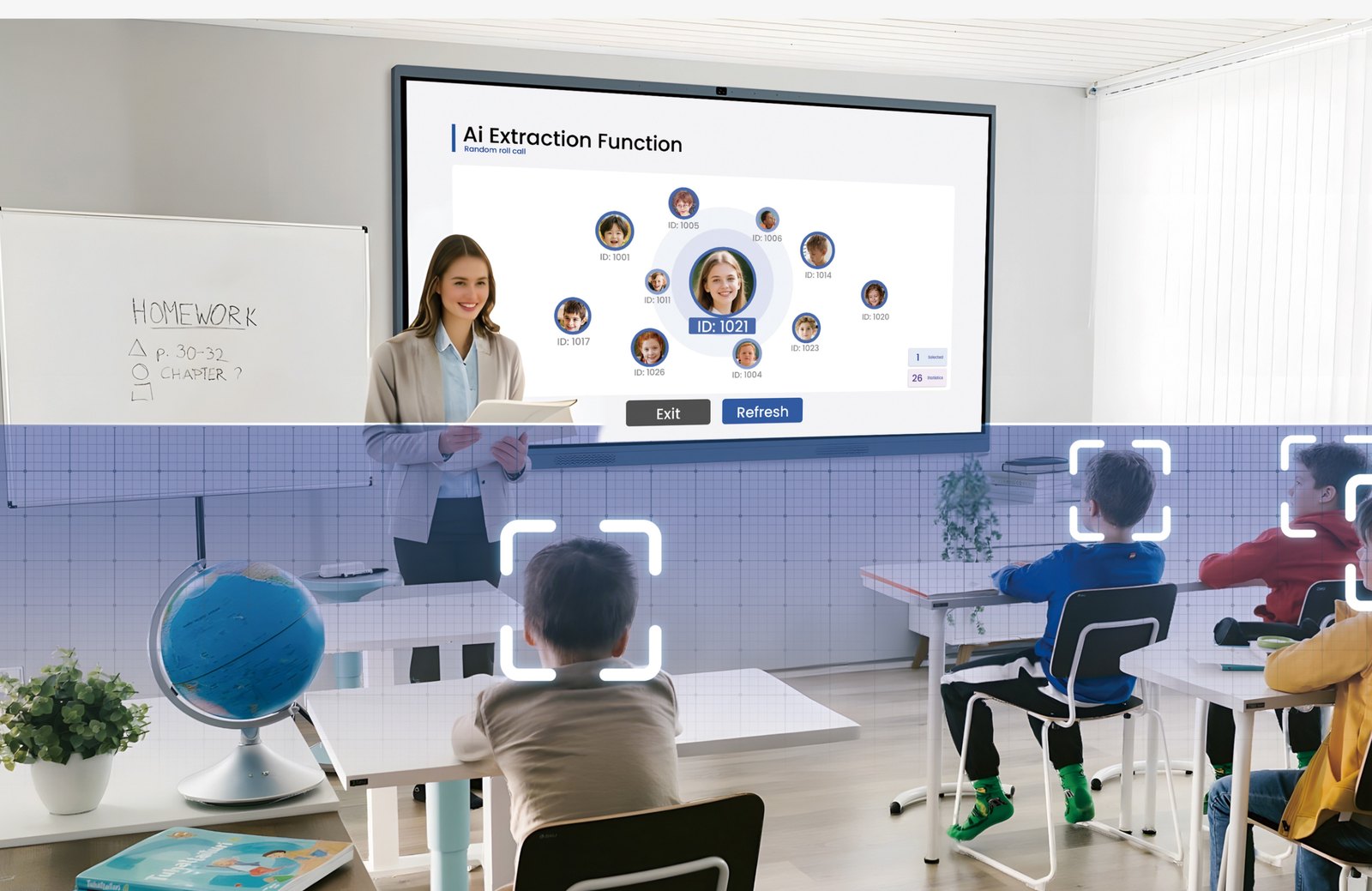
Voice commands, real-time translation, text and image recognition, even occupancy counts. Pair with an AI camera for random attendance and speaker tracking.
AI whiteboard
Shapes, formulas, and sketches are recognized and cleaned up automatically.
AI annotation
Mark up material on any interface without interrupting the app.
AI Q&A
Ask questions in class or a meeting, get a summary on the spot.
AI camera
Count attendance, pick random students, and follow the speaker.
AI search
Find materials, images, and references directly from the board.
AI subtitles
Real-time transcripts and translation for hybrid meetings.
Voice commands
Control the board without leaving the presentation position.
AI capture
Save the board, annotations, and a summary in one file.
Sizes
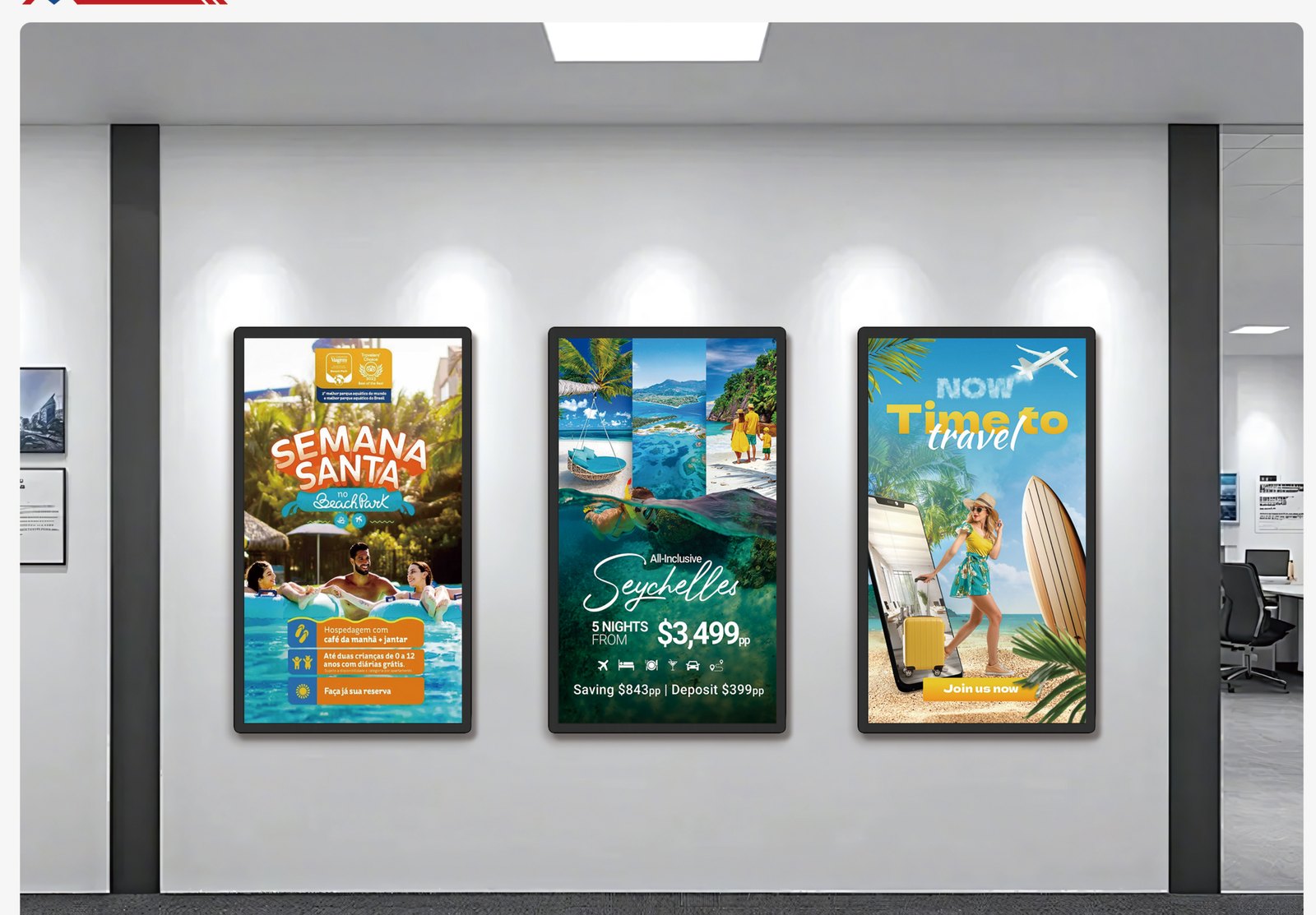
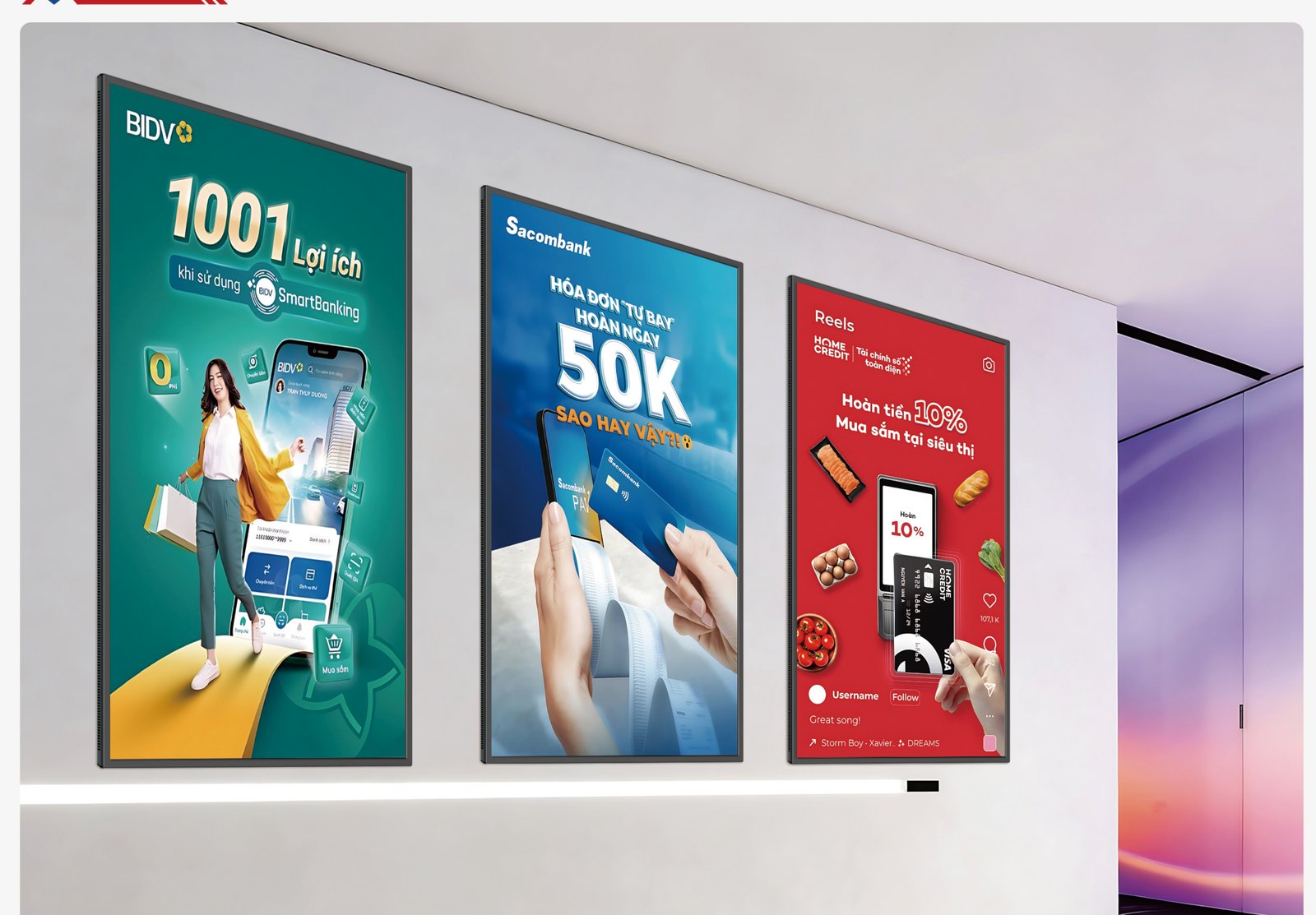
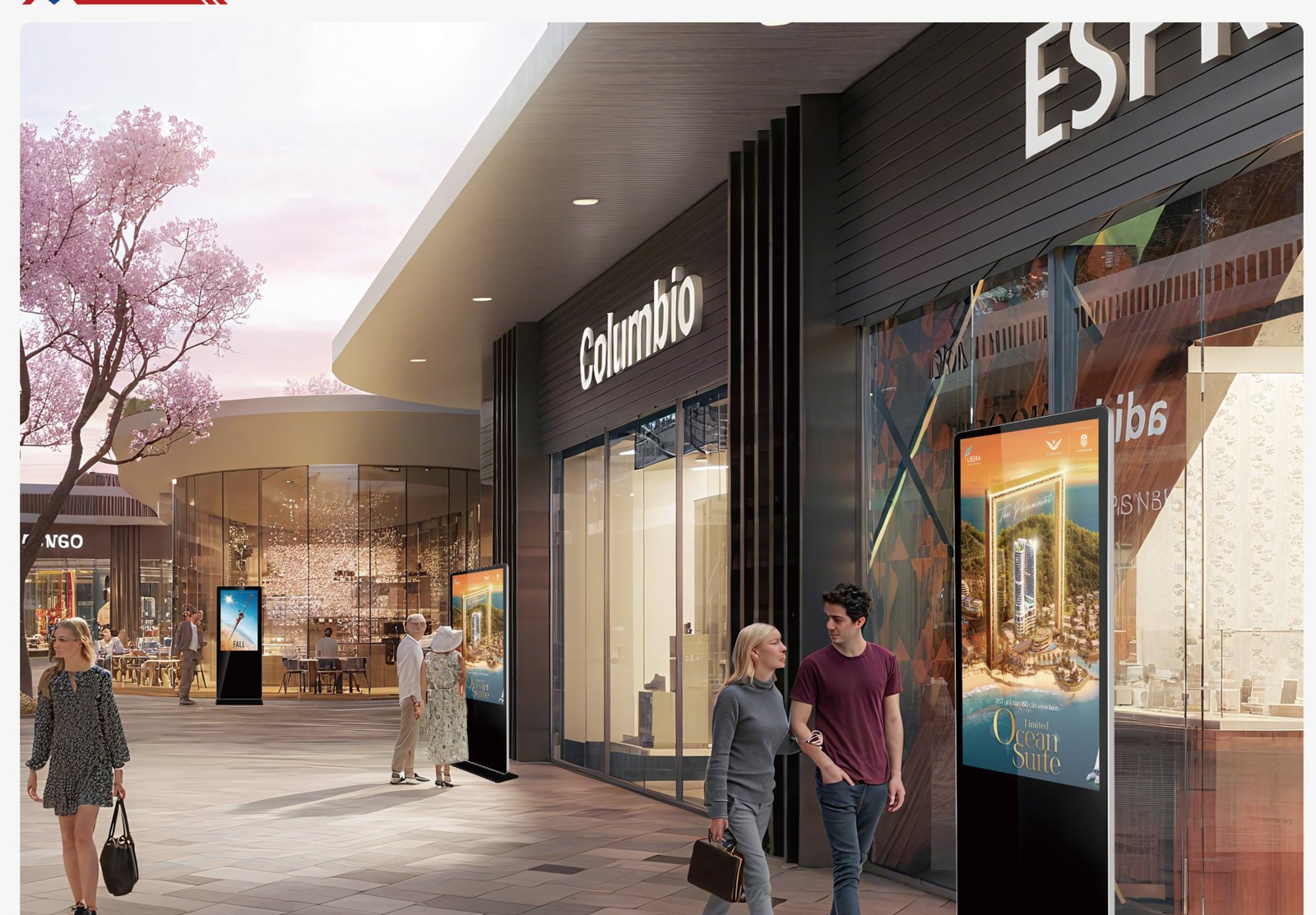
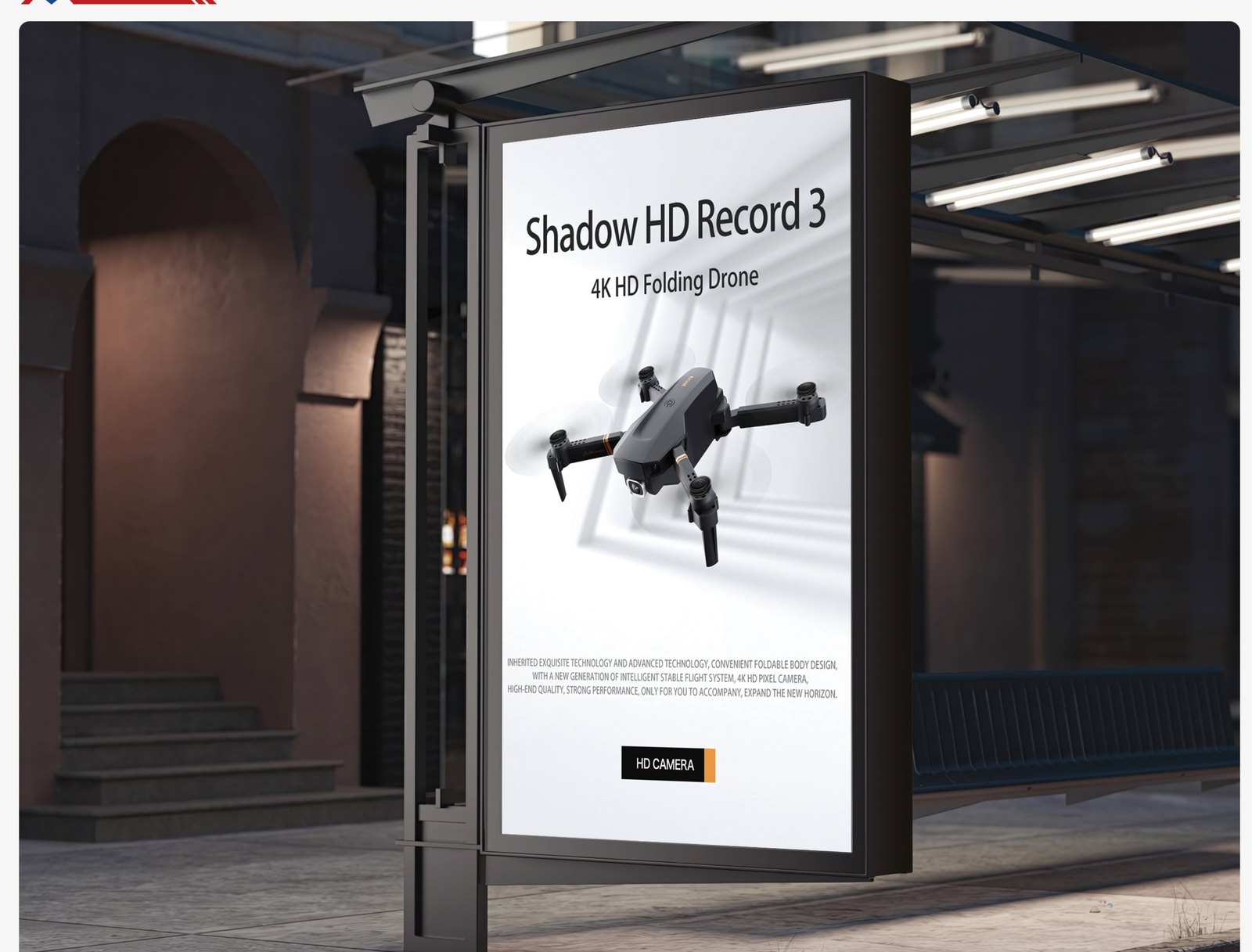
Digital Signage
Wall, floor, outdoor, window, and kiosk displays — built for 7×24 playback and remote content.
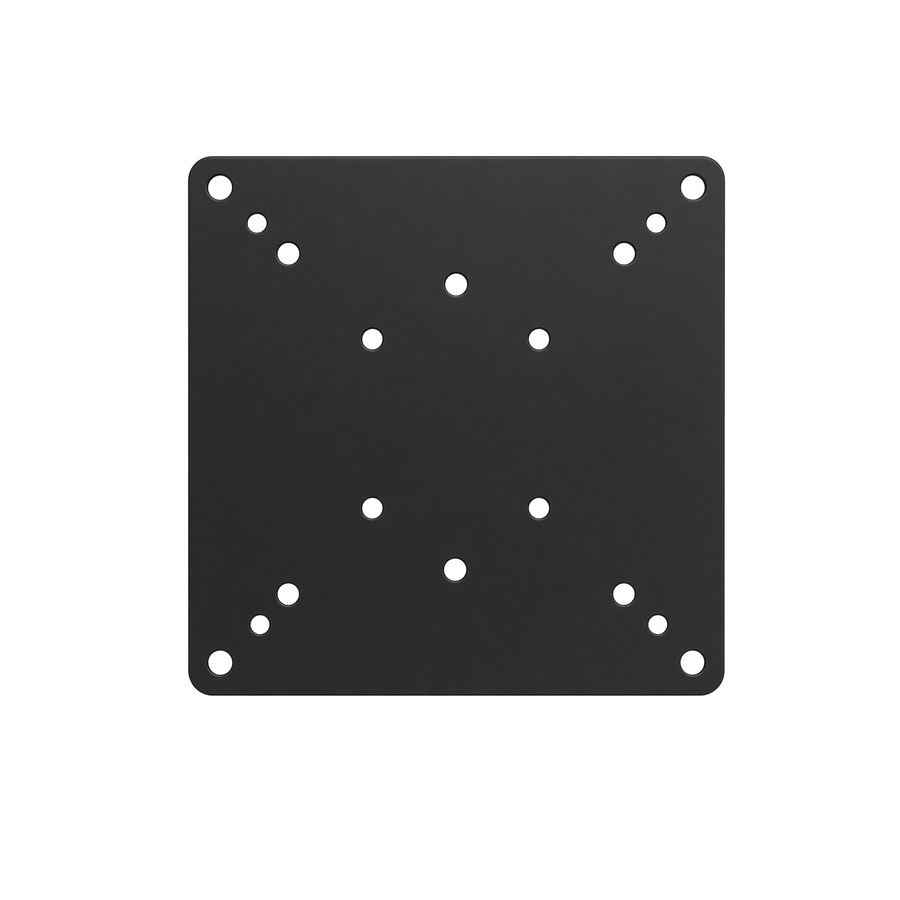
Tell us the room size and how many units. We’ll help you choose Android, Windows OPS, camera, and mounting.